
Blog Post
AR event decoration is rapidly transforming how weddings and milestone celebrations look and feel—giving planners and couples the ability to blend custom digital elements into real-world venues for immersive, tech-enhanced experiences. But despite the buzz, the path from inspiration to a reliable, wow-worthy AR wedding setup isn’t obvious. This guide strips away jargon and explains, step by step, how to commission AR decor, what matters for pricing, and what you must ask any vendor—so you avoid costly surprises and brief confidently.
Key Takeaways
- AR event decoration brings interactive digital visuals into real spaces—think dynamic backdrops, projection mapping, or phone-triggered effects—allowing for one-of-a-kind guest experiences.
- Costs and technical requirements vary: success depends on clear scoping, detailed vendor briefs, and understanding the early-stage, premium nature of AR wedding decor.
- This guide includes a practical RFP toolkit, a vendor vetting checklist, and actionable pilot strategies so you can trial AR decor safely before going all-in.
- What “AR event decoration” and “augmented reality wedding decor” actually mean in practice
- Step-by-step guide: How to commission AR event decoration and brief your vendor
- Advanced analysis & common pitfalls: What planners and couples need to watch out for
- Conclusion
- FAQs on AR event decoration
What “AR event decoration” and “augmented reality wedding decor” actually mean in practice
AR event decoration refers to the integration of augmented reality (AR) technology to superimpose digital visuals—animations, texts, interactive graphics—onto physical event spaces. For wedding planners and couples, “augmented reality wedding decor” often takes the form of one or several of the following:
- AR overlays visible via guests’ smartphones or tablets (think digital butterflies fluttering above floral centerpieces, 3D messages, or virtual fireworks that appear in live camera views)
- Projection mapping that transforms blank walls, cake tables, or dancefloors into moving animations and themed scenes
- LED interactive floors or displays that respond to guest movements, creating reactive light or visuals as people walk or dance
- Phygital installations—mixing physical props with synchronized digital elements, like a real archway featuring a digital enhancement seen through AR apps
Unlike basic lighting or static photo backdrops, these formats allow for:
- Real-time personalization (e.g., custom digital monograms, guest names, or love stories)
- Immersive guest experiences and social-media opportunities
- Greater flexibility—switching themes or visuals at a tap
The feasibility of AR event decoration has accelerated. According to recent research, the broader AR/VR market is projected to hit US$50.9 billion by 2026, and there will be approximately 1.73 billion AR-capable devices in use by the end of 2024 (source). This means guests are increasingly able to engage in AR experiences using the phones and tablets they already own.
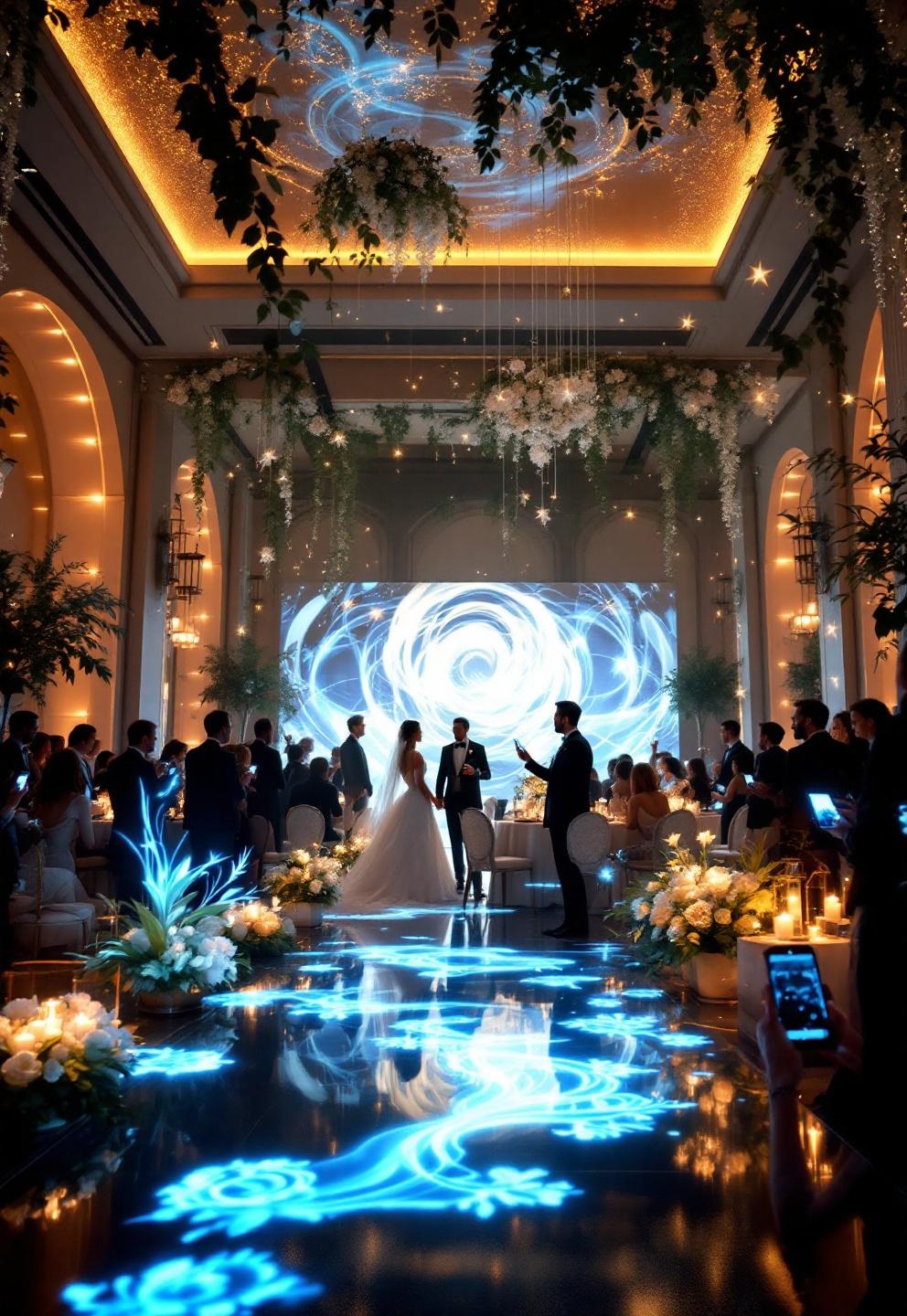
Critically, AR event decoration is not synonymous with projection mapping or LED dancefloors—though they can work together. Projection mapping transforms surfaces with light alone and does not require guests’ devices. AR overlays depend on viewing through screens. LED interactive installations are physical tech woven with live digital control. Understanding these distinctions is key when briefing vendors.
Step-by-step guide: How to commission AR event decoration and brief your vendor
- Decide your “why” and set objectives. Do you want a statement-making dancefloor, a digital guestbook, or a subtle AR photo-op for social media? Pin this down before contact.
- Define your budget range. Are you targeting a one-wall mapped backdrop (~low/mid) or a venue-wide “phygital” transformation (~high)? See the pricing section for realistic frameworks.
- Shortlist vendors based on their proven AR/tech decor portfolio. Ask for real event case studies, not just demo reels.
- Brief using an RFP template:
- Event date, venue, and access window (for setup/load-out)
- Type of AR event decoration desired: AR overlays (specify if webAR or app-based), projection mapping, LED interactive wedding floor, etc.
- Scale: number of rooms or surfaces, expected guest count, intended interaction level
- Technical requirements: power, WiFi, rigging, ambient light control, venue rules
- Content: custom visuals/animations or templates, copyrights/ownership
- Redundancy and support: hardware back-up, on-site technician, rehearsal requirements
- Pricing breakdown: flat packages, per-hour, hardware rental, content creation fees
- Insurance and compliance: proof of insurance, privacy policy for attendee data (if AR uses guest cameras/personal devices)
- Post-event: What happens to digital assets? Future access/updates?
- Request a detailed proposal: Insist on technical specs, visual references, insurance details, and measurement/KPI suggestions (e.g., projected guest engagement, share metrics).
- Vet using your checklist (see below): If in doubt, ask for a live rehearsal or platform demo before you sign.
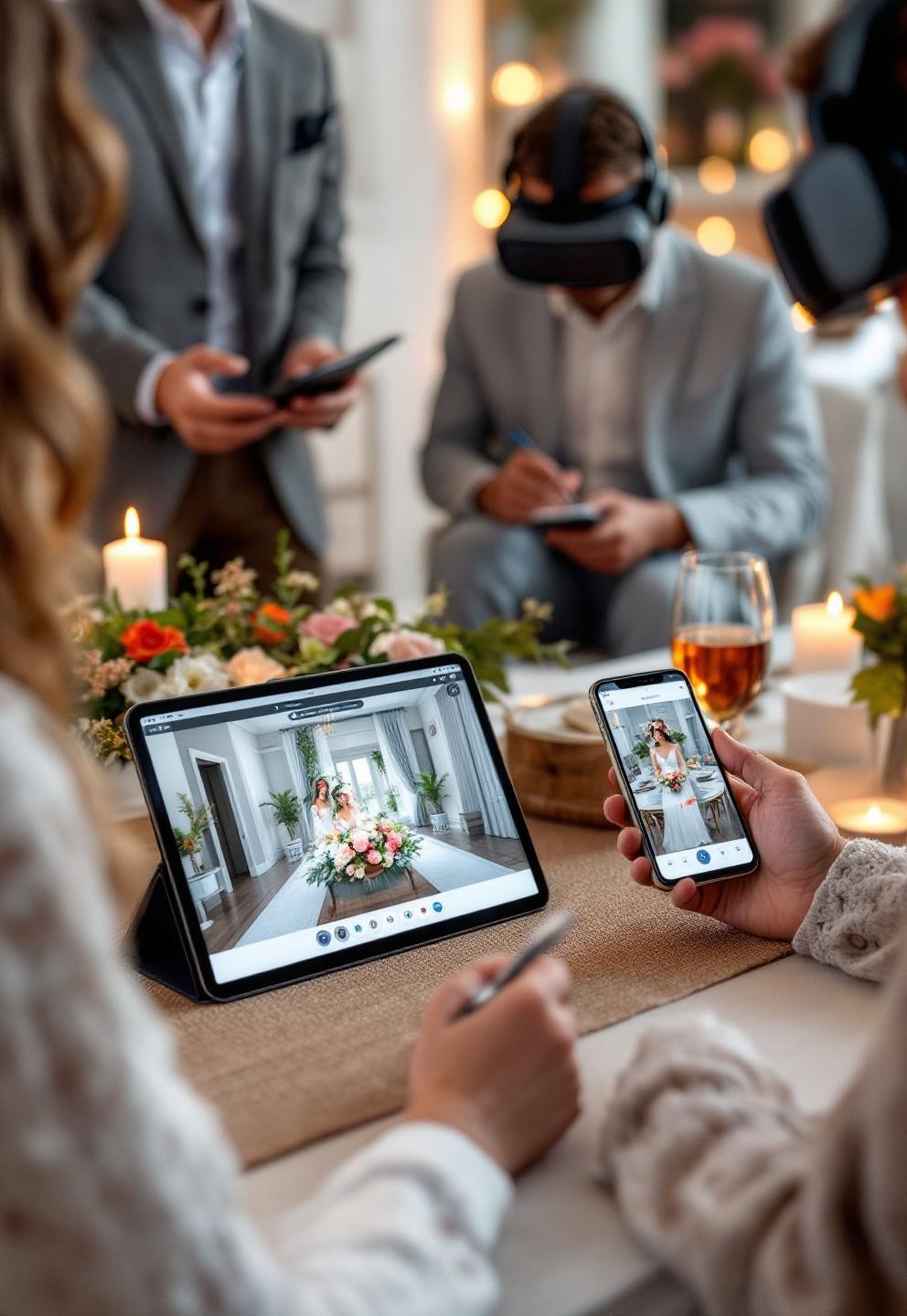
Remember: There’s no one-size-fits-all package. Some planners pilot AR event decoration at the engagement party with a single projection or interactive floor square, then scale up once they’ve validated the guest experience and vendor reliability.
- Want to go multi-sensory with tech and live touchpoints? Explore sensory wedding ideas for next-level engagement.
- Love the look of modern, minimalist metallics blended with technology? Don’t miss the inox wedding decor style guide.
Advanced analysis & common pitfalls: What planners and couples need to watch out for
AR event decoration holds promise for stunning, Instagram-ready moments, but the space has gaps and challenges you should expect when sourcing vendors or scoping a wedding setup.
Key market realities and adoption signals
- The global event decoration market sits near USD 7.2 billion (2023) and could double by 2033. However, AR-specific wedding adoption is still in early-stage “premium add-on” territory. Most planners won’t find off-the-shelf packages—expect custom pricing and processes.
- Though AR/VR is projected at $50.9B by 2026 with 1.73B devices, events are only a small, emerging category. Most guests have AR-capable phones, but many venues and traditional vendors lack in-house expertise.
Common buyer challenges and frustrations
- No transparent pricing, package tiers, or granular cost data available—making direct proposal comparisons tough (full details here).
- Few standardized vendor certifications; buyer must check portfolios, insurance, and technical competence independently.
- Technical confusion: device compatibility (iOS, Android, webAR vs. app), WiFi/bandwidth, environmental needs (light, power, cables), and unclear specs in proposals.
- Technology reliability anxiety—laggy effects, setup failures, or guest frustration due to poor coverage, hardware, or staff errors.
- No direct consumer survey or pricing/ROI metric data in available research.
| Feature | Traditional Decor | AR Event Decoration |
|---|---|---|
| Personalization | Static (florals, signage) | Highly customizable digital overlays |
| Guest Interaction | Low (mostly visual) | High (interactive via phones, movement) |
| Pricing | Itemized, more transparent | Case-by-case, few benchmarks |
| Reliability | Established vendors/processes | Emerging vendors, technical risks |
| ROI Tracking | Mostly subjective | Potential for quantifiable engagement (shares, dwell time) |
7 critical gaps and FAQs most articles miss (with answers):
- AR adoption rates in weddings: No direct numbers yet; infer from 1.73B AR device users and venue uptake, but still premium/rare in 2024.
- Vendor certification/standards: Demand portfolios, technical run-books, and insurance; there’s no official AR wedding vendor body yet.
- Long-term ROI: Measure via guest engagement metrics (shares, dwell/duration), pre-booking visualization value (as in Giltedge 2022), and possible re-usable content for future events.
- Device compatibility: Test both iOS/Android and webAR/app. Require a cross-platform demo before confirming the order.
- Privacy/legal: Stipulate basic AR data handling compliance—ensure guest image/location data isn’t stored/sold; require clear vendor privacy policy.
- Scalability: Clarify minimum/maximum event size the vendor can service (small ceremony vs. 500+ guest gala).
- Post-event ownership: Agree on content use/updating rights and storage of digital assets after the event.
For more on event design extremes—from ground-level tablescapes to floral ceiling installations—see these guides for inspiration.
Typical pricing, models, and what impacts cost
- There are no industry-standard packages; vendors might price by linear meter, surface area (for projection mapping), by activation (AR overlay), or via bundled “experience tiers.”
- Factors raising costs include: highly customized digital content, site complexity (multi-room mapping, outdoor rigging), extended technician time, premium hardware rentals, and urgent/flexible build requests.
- For ballpark estimation:
- Entry: $4,000–$8,000 for a single projection mapping or simple AR overlay (setup, short-term, low customization).
- Mid-range: $12,000–$25,000 for several mapped areas, interactive floors, or venue-wide AR activations, with moderate content adaptation and some on-site support.
- Premium: $35,000+ for large-scale multi-room, complex content development, and extensive staff/redundancy.
Note: These are rough industry-inferred figures, as research shows no official price benchmarks.
Minimum technical requirements & venue checklist (based on research gap):
- Structured access and secure load-in/out for equipment/prep
- Sufficient dedicated power circuits and distribution points
- Clear sightlines for projectors/cameras, minimal ambient light for vivid projections
- Safe, accessible rigging points for suspended elements (with certified load ratings)
- Floor loading tests for LED installations; slip-resistant mats as needed
- Stable, high-bandwidth WiFi plus backup (5G/LTE or hardline). Recommend 20–50 Mbps per AR activation stream.
- Minimal recommended specs: Projectors (5000–10,000 lumens, edge blending capability), LED floors (pixel pitch <6mm for high-res), AR devices (iOS 13+/Android 10+), on-site technician: 1 per 40 guests per active/install zone.
Risk management
- Confirm fire/electrical code compliance, safe cable runs, and securely weighted rigging.
- Contractually require insurance, on-site staff, and defined privacy clauses for any data/image collection or guest-facing app use.
- Ask for backup hardware, rehearsal options, service-level guarantees in the agreement.
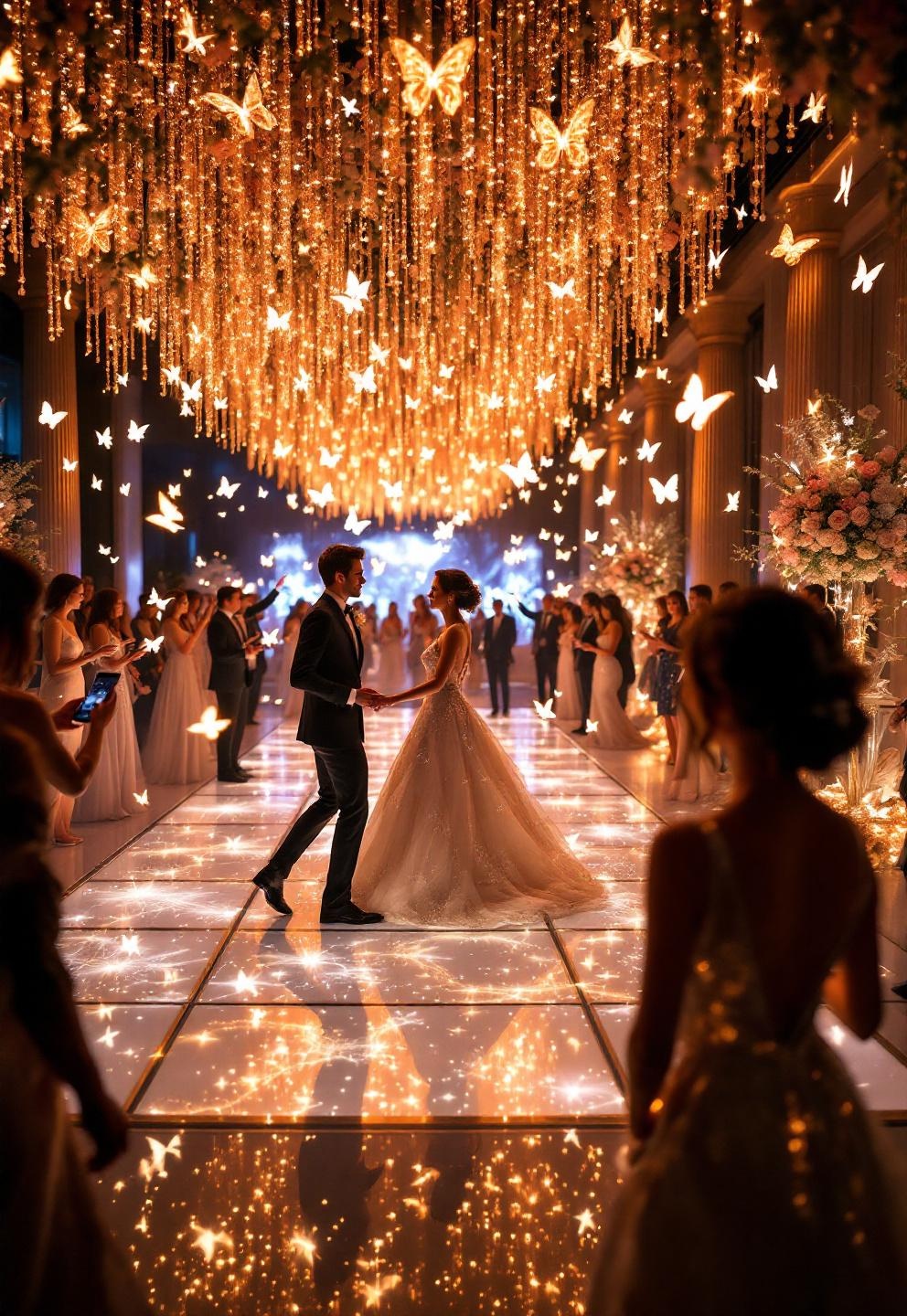
Before proceeding, browse a selection of Cloud Dancer event decor moments to see the intersection of color, light, and tech in imaginative wedding event spaces.
Vendor vetting checklist & red flags
- Red flag: No written run-books/process documentation, unclear warranties or missing insurance, no local event references, or lack of backup/fallback plans.
- Positive signals: Documented case studies, demo access, cross-platform compatibility, readiness for on-site rehearsal, willingness to provide precise KPIs/M&E (monitoring & evaluation) methods.
Pilot-first approach is safest
Given the relative newness, consider piloting AR event decoration at a pre-wedding shoot, engagement party, or as a single-moment highlight before rolling out venue-wide. Start with a measurable objective (e.g., AR guestbook shares, dwell time at an interactive display), then step up in scale when comfortable.
Resources and vendor questions
- Glossary: AR (augmented reality), webAR (browser AR), projection mapping, pixel pitch, edge blending, lux (light brightness unit)
- Questions to ask vendors:
- Are you compatible with both iOS and Android, and is webAR available?
- How do you handle guest privacy/data security?
- What’s your insurance coverage and backup plan during the event?
- Can I preview a recent real wedding installation, not just demo content?
With these benchmarks, you’re ready to set expectations and brief with confidence.
Conclusion
Commissioning AR event decoration adds an unforgettable dimension to modern weddings, but entails new planning, setup, and risk factors—even for experienced planners. Insist on transparency, rigorous vendor qualification, and a “pilot-before-full-commit” outlook for the best results. Want a wedding that’s truly one-of-a-kind? Use the resources and checklists here to brief, budget, and test your AR event decoration—and bring your big day’s vision to compelling digital life.
Ready to see what’s possible with immersive, tech-enhanced event decor? Download our RFP toolkit and start your vendor search today!
FAQs on AR event decoration
What does AR event decoration cost for an average-sized wedding?
Costs for AR event decoration can range from $4,000 for a simple projection or AR overlay to $35,000+ for a large-scale, multi-room, or highly customized installation. Pricing is case-by-case; always request detailed quotes outlining specific deliverables and support.
Will all my guests be able to experience the AR elements?
Most guests with newer smartphones (iOS 13+/Android 10+) can enjoy AR overlays. However, you should confirm that your chosen solution supports both iOS and Android, and, if possible, use “webAR” for the widest compatibility with no app downloads.
Do I need to provide special equipment or internet for AR wedding experiences?
Venues need to provide reliable power, stable and high-speed WiFi (20–50 Mbps per activation), secure rigging points, and safe floor loading for physical installations. Ask vendors for minimum specs in writing and have your AV or venue team review them in advance.
What happens to our digital content and guest data after the event?
Ownership and usage rights for digital assets should be stated in your vendor agreement—request clarity on whether you or the vendor retain rights to reuse, modify, or delete the content. For data, require the vendor to delete or anonymize all guest data post-event, in line with privacy laws.
How can we trial AR decor before committing?
Run a pilot by adding an AR photo-op or short projection mapping during your engagement party or rehearsal dinner. Track guest engagement and gather feedback—then scale up only when satisfied with the vendor’s performance.
—
Did you try this inspiration ?
There are no reviews yet. Be the first one to write one.