
- Why “AV included” is now a must for event venues
- Market snapshot: demand, availability, and what matters now
- The real pain points when “AV included” goes wrong
- The definitive AV-ready venue spec sheet
- Hybrid streaming: non-negotiable AV requirements for 2026
- Pricing models: built-in AV vs external vendors
- Vetting venues: essential checklist and red flags
- Where most venue marketing fails AV buyers
- Built-in LED/projection vs add-on hire: what planners should know
- Sample RFP and contract clauses for AV-included venues
- Case scenarios: budget and risk outcomes
- The AV-ready venue in 6 must-haves
Why “AV included” is now a must for event venues
In 2026, corporate event planners treat a venue with AV technology included not as an upgrade, but as a core selection criterion. This isn’t a theoretical preference—the data backs the shift. The global meetings and events market, valued at $1.25 trillion in 2025, is surging toward $2.19 trillion by 2034, propelled by double-digit growth in hybrid and experiential formats that demand robust, seamless technology integration.source
This trend isn’t limited to Fortune 100 events. Markets for pro-AV services are growing by 4.8% CAGR, forecasted to not only outpace population growth but also redefine minimum standards. In short: failing to prioritize venues with verified built-in, professional-grade AV now puts both production value and budgets at risk—especially for hybrid and data-driven events.
Market snapshot: demand, availability, and what matters now
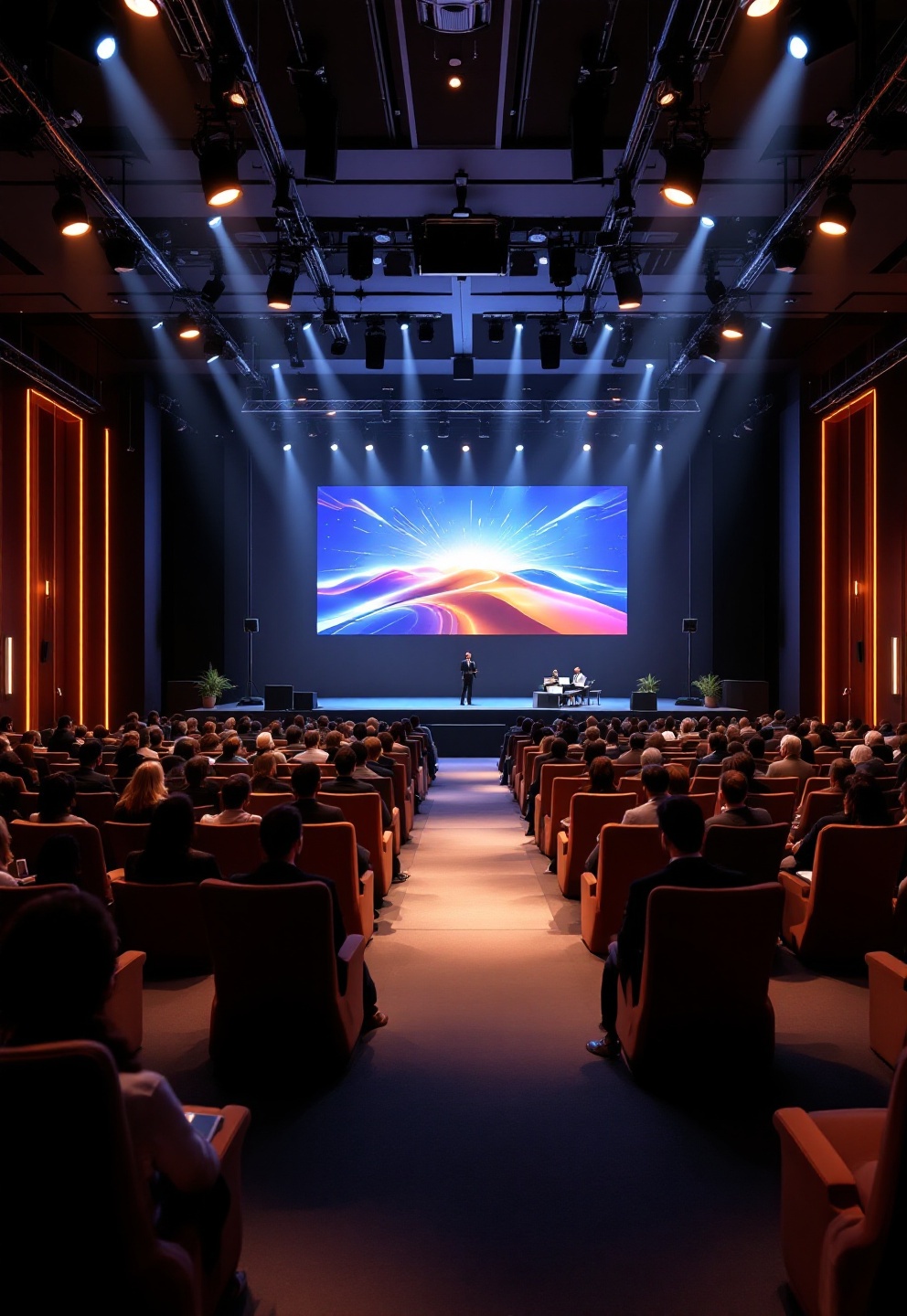
Corporate event planners of all sizes are feeling the crunch as the race for tech-enabled event venue hire heats up. With 41% of planners now choosing venues based on flexible space and hybrid capability—often synonymous with robust AVsource—finding a venue that offers more than lip-service AV is suddenly very competitive.
The boom in hybrid event venue with streaming capacity means availability tightens quickly, especially on key dates. Venues that advertise transparent AV specs and dedicated support convert more inquiries and command better pricing. The result for planners: more power to push for documented information and package deals, but less room for delay.
The event tech market hits $11.4B this year, growing over 11% annually, so expect a rising baseline for what’s “standard” in AV—making ‘space only’ venues increasingly a nonstarter for large and mid-size events.
The real pain points when “AV included” goes wrong
Ask any corporate planner and you’ll hear the same top pain points surface time and again when a venue says “event venue professional AV included”—then fails to deliver:
- Overstated AV claims: Venue promises “state of the art” but you arrive to consumer-grade projectors, fuzzy audio, dim screens, or awkward input cabling.
- Hidden fees: “AV included” means two mics and a basic screen—anything extra (like streaming, tech labor, or a rehearsal) is a line-item upcharge.
- Unreliable Wi-Fi and streaming: The single biggest threat to hybrid events. Promised “high speed wifi event venue” doesn’t meet minimums, drops under load, or lacks redundancy.
- Unqualified or absent AV staff: Onsite “support” is just building maintenance, not professional techs capable of troubleshooting live.
- Integration issues: You lose time fighting with legacy connection types or systems that don’t support modern workflows (HDMI, USB-C, direct Zoom/Teams integration).
- Acoustic problems: Poor audio design leads to echo, dead zones, or feedback—immensely damaging for brand-critical events.
In short, “AV included” in a brochure is only as good as the day-of performance and what’s actually in the package. Every one of these pain points can cause missed deadlines, failed streams, or surprise budget overruns.
The definitive AV-ready venue spec sheet
A credible venue with AV technology included is willing—and able—to provide a detailed, transparent spec sheet. Here’s what you need, and why each item matters for corporate and hybrid events:
- LED/projector resolution: Minimum Full HD (1920×1080); prefer 4K for main rooms. Content (charts, branding, remote presenter feeds) must be crisp for both in-person and stream.
- Projector brightness: At least 5,000 ANSI lumens for mid-size spaces; 8,000+ for large halls with ambient light. Under-spec means illegible slides and dim branding.
- Screen size/sightlines: Screens should be sized so text is legible from every seat. Insist on specifics—not “big screen included.”
- Input and switching: Multiple HDMI, DisplayPort, and USB-C inputs with matrix switching allows fast transitions, no unplugging mid-event.
- Audio: Distributed pro-brand speakers (Shure/Sennheiser/QSC/Bose), digital mixing console, at least 4 wireless handheld/lav mics with backups, and separate mixes for in-room and broadcast.
- Network: Wired CAT6 drops at all podiums/production tables, Wi-Fi 6 minimum, dedicated symmetric upload 100–200 Mbps dedicated symmetric upload for hybrid events, two independent internet connections for failover.
- AV control system: Integrated Crestron/AMX/Extron-type platform for quick resets, presets, and day-of fixes without vendor calls.
- Onsite staffing: At least one trained AV technician per room during key periods—named, not “on call.”
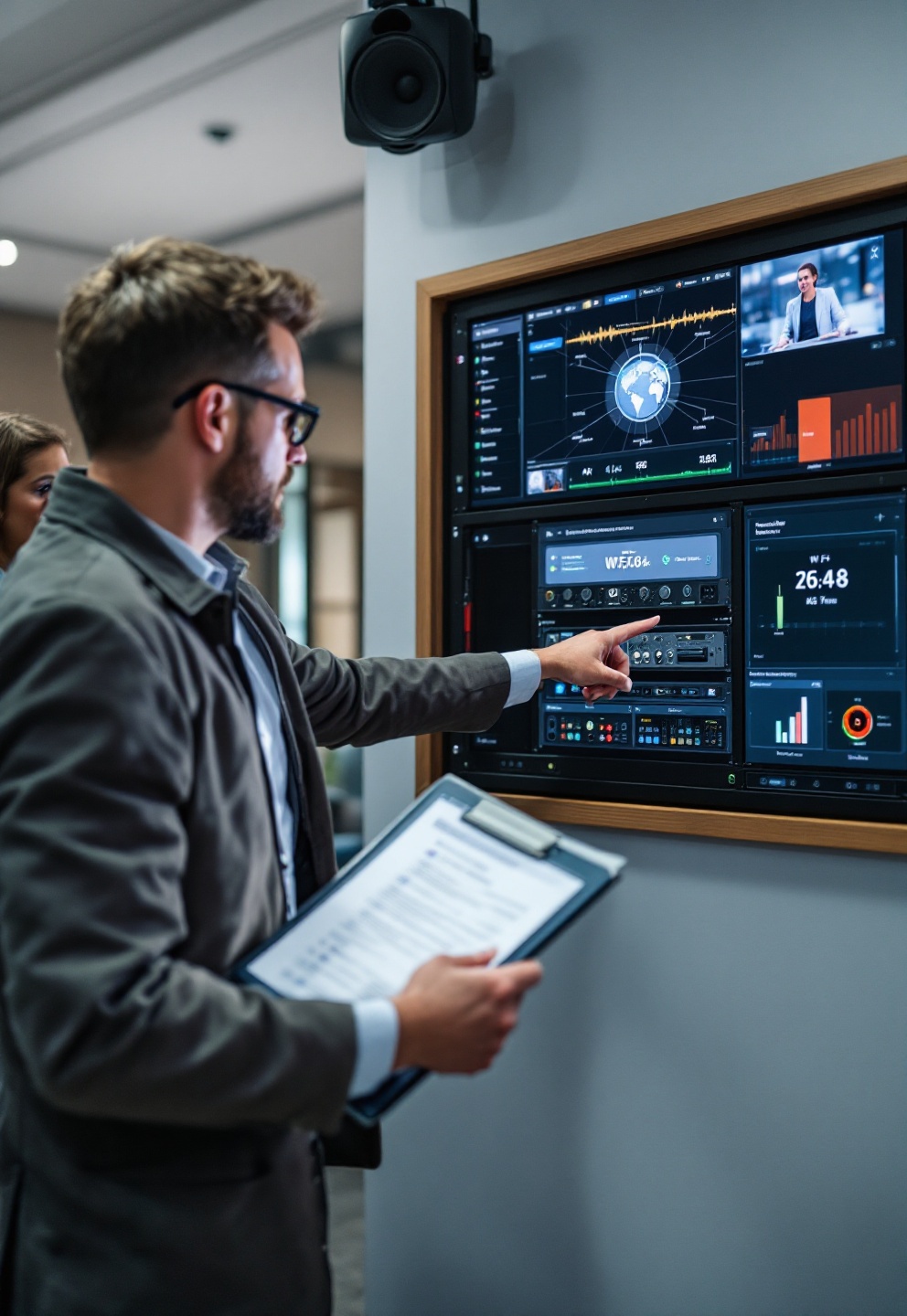
If a venue can’t produce this information in writing, you’re not dealing with an “AV-ready” provider—no matter the sales pitch.
Hybrid streaming: non-negotiable AV requirements for 2026
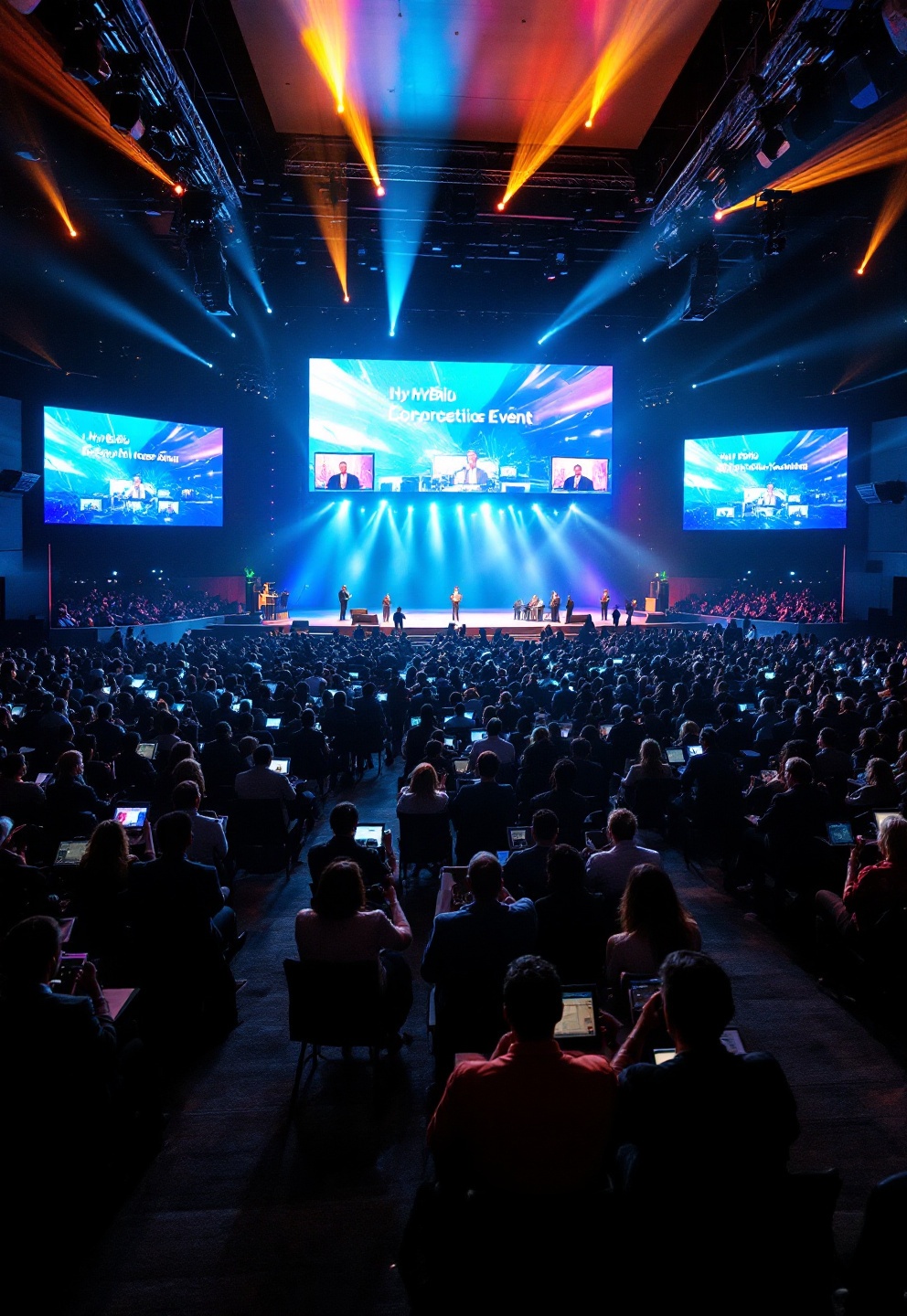
Hybrid events no longer mean propping up a phone camera and hoping for the best. Every credible hybrid event venue with streaming capability should offer, at bare minimum:
- Production-level streaming: Multi-camera support, switching, clean program and ISO feeds (for post-event use), and at least 1080p/4K broadcast quality—no single webcam setups.
- Dedicated broadcast audio routing: Clean, mix-minus feeds for streaming platforms; prevents in-room feedback from tanking remote attendee experience.
- Redundant network paths: Separate, dedicated upload with instant failover—live streams can’t go dark.
- Platform integration: Direct support for Zoom, Teams, and major streaming solutions—and a technician who can operate them.
- Analytics and interactivity: Support for Q&A, polls, and engagement tracking (often via built-in platform features).
- Rehearsal and failover procedures: Allow time for full technical rehearsal and have backup encoder plans published in advance.
With the pro-AV services market pushing past $4.73B, these standards are mainstreamsource — don’t let venues imply otherwise.
Pricing models: built-in AV vs external vendors
The biggest budget driver in corporate events is AV scope and support. Here’s how the two prevailing models impact risk and predictability:
- Built-in AV package (tech-forward venue hire): Room rental and AV fees bundled, typically per-half or full-day. Package may be “basic” (display, sound, one mic) or “premium” (all above plus hybrid streaming, more mics, rehearsal, and on-site tech).
- External AV vendor: Venue is “space only”; you contract separately for every speaker, screen, and labor hour (setup, rehearsal, teardown). Customization is high, but so are fees, unpredictability, and complexity.
Venues with built-in AV deliver more predictable budgets and less vendor wrangling—be wary of “included” claims that leave key elements (streaming encoder, labor, backup) to an external vendor, especially with pressured 2026 budgets.
Negotiating tip: Ask for a fully itemized AV quote upfront, including both equipment and labor, and push for a “cap” on any line-item overages.
Vetting venues: essential checklist and red flags
Don’t accept a generic “AV included” statement—here’s a checklist that goes into your RFP and contract review process:
- Request full published AV specs (brands/models, network speeds, resolution/brightness ratings, number/location of connection points)
- Ask for network bandwidth SLA—minimum speeds, Wi-Fi 6 support, and redundancy/failover details
- List of all included AV elements and clear statement of “what’s extra”
- Demand explicit staff bios and coverage hours for on-site AV technicians
- Rehearsal time: Is it included? At what cost? With AV staff present?
- Ask for diagrams or maps showing screen sightlines and audio coverage
- Clarify backup plans for each critical function: displays, network, streaming encoders
Immediate red flags: Any venue that only lists “HD projector” (but not lumens, models, screen size), “good Wi-Fi” (but can’t state line speeds or backup), or “tech available on request” (no guarantee of availability or qualification) should be considered high-risk.
Venues publishing documented SOPs, naming their AV team, and including clear spec sheets are the ones cutting through the clutter in 2026.
Where most venue marketing fails AV buyers
Despite the tech-forward venue hire trend, competitor websites tend to gloss over several infrastructure realities that make or break events:
- No hard numbers on network upload, QoS, VLAN, or real uptime/redundancy structure
- No published audio coverage maps or specification of house vs broadcast mixes
- Missing details on control system brands, room presets, or platform integrations
- Lack of any staff coverage commitments—no clarity on whether you’ll get a pro technician or just a contact number
- Sparse info on backup systems and documented disaster recovery/failover
When vetting, treat absence of these details as a warning. Planners increasingly convert on venues that provide these up front—the difference can be the day-of success (or failure) of your event. For additional vetting questions, see our Ultimate Event Planning Guide.
Built-in LED/projection vs add-on hire: what planners should know
Not all “venue with built-in LED screen hire” claims are created equal. Here’s how built-in systems stack up against outsourced screens:
- Reliability: Built-in AV is permanently installed, tested regularly, protected from shipping/rigging mishaps (unlike daily-hired screens).
- Specs consistency: Guaranteed Full HD/4K, ambient light-matched brightness, and proper sightlines—outsourced panels or projectors may vary with vendor or availability each time.
- Integration: Full tie-in to house audio, control, and switching, enabling presets and smooth cueing—you won’t scramble for adapters or add-ons.
- Operational friction: Fewer deliveries, simpler rehearsals, and reduced logistical overhead. Outsourced rentals add complexity, especially on high-stake or multi-room events.
Built-in projection and LED is the standard for nearly all branded, mid- to large-corporate events—and the secret to flawless, repeatable execution. External screens may only be justified for massive or outdoor setups where venue install is physically insufficient.
For further reading on innovative spatial AV, see also our guide to immersive event venues.
Sample RFP and contract clauses for AV-included venues
Cut surprises and get the deal in writing. Copy and adapt the following for your bids:
- “Venue shall provide a minimum of 200 Mbps symmetric, dedicated internet with failover circuit, documented with SLA.”
- “Event package must include at least one on-site AV technician per active room for all client-occupied hours.”
- “Please attach complete AV inventory listing (make/model, resolution, brightness, microphone quantities, mixing desk model)”
- “All listed AV equipment must be made available for technical rehearsal the day prior to event at no additional charge.”
- “Venue agrees that ‘AV included’ references all items and labor required for in-room and hybrid streaming production as specified, with no additional fees beyond quoted total.”
- “Penalties/credits of [X]% of contracted AV total apply for downtime or inability to deliver as contracted.”
Language like this is the quickest way to align expectations and minimize risk. For more negotiation tactics, visit our venue hire pricing guide.
Case scenarios: budget and risk outcomes
Three real-world booking examples to illustrate why “venue with AV technology included” is more than marketing:
- 1. Board meeting (20 people, hybrid): Rented a venue with bundled small-room AV (4K display, mics, Wi-Fi 6, dedicated 200Mbps upload, on-site tech included). No extra fees. Day-of stream ran glitch-free. Total AV: $0 above quoted room+package.
- 2. 300-person corporate conference: Selected a conference hall with built-in LED walls and digital audio. All AV handled via venue’s senior engineer, included in package (plus 2 hours rehearsal). Seamless transitions between sessions, zero lost time to patching or connection. Savings compared to external AV bid: approx. 18%.
- 3. 1,200-person product launch (giant LED wall required): Venue’s built-ins couldn’t meet scale; hired external AV (32′ LED, flown arrays). AV cost doubled vs built-in, but justified by scale. Required three vendor coordination calls, overtime labor, and more rehearsal time—but brand requirements dictated spec.
The takeaway: For 90% of corporate events, built-in AV delivers lower risk, less hassle, and predictable spend; only ultra-large/decor-driven launches need external support.
The AV-ready venue in 6 must-haves
- Published, specific AV hardware and network specs—no generic claims
- Dedicated, symmetric upload (100–200 Mbps minimum) and provable redundancy
- Professional-grade audio (brands/models listed) with documented coverage
- Named, on-site AV tech support and guaranteed rehearsal access
- Integrated control—and compatibility with major hybrid event platforms
- Transparent, itemized pricing defining exactly what “AV included” covers, and what doesn’t
Ready to minimize AV risk and secure brand-level production value? Request the full AV spec sheet and SLA from your shortlisted venues before you sign.
For more detailed venue sourcing advice, see our conference AV planning guide and venue hire transparency toolkit.
FAQs
What’s the difference between “AV included” and “AV ready” for event venues?
“AV included” may simply mean a venue offers basic projectors and mics; “AV ready” indicates the venue publishes full tech specs, meets professional grade, and supplies trained staff for hybrid/event production. Always ask for a spec sheet and confirm what’s actually bundled.
How can I check if a venue’s “high speed Wi-Fi” is adequate for hybrid events?
Request documentation of upload speed (not just download), Wi-Fi 6 support, and redundancy/failover setup. For hybrid streaming, you need dedicated symmetric upload (minimum 100–200 Mbps for small/medium events) and at least two independent connections for backup.
Can I bring in my own AV vendor if a venue already has built-in AV?
Most venues allow it, but may charge patch-in fees or require use of their technicians for liability reasons. Only bring in external AV for extremely high-spec or specialty needs; for nearly all in-house events, using the venue’s built-in AV yields lower risk and cost.
What red flags should I look for in AV-included venue proposals?
Beware of vague terms like “HD projector,” “tech on request,” or “good Wi-Fi” without details; the absence of staff names, rehearsal hours, or backup plans; and any reluctance to provide complete specs in writing.